Meet Leng.Leng
Your desktop voice assistant that actually gets things done.
Multi-LLM powered. Screen-aware. Browser-controlling. Built to take action — not just talk.
Everything you need in a voice assistant
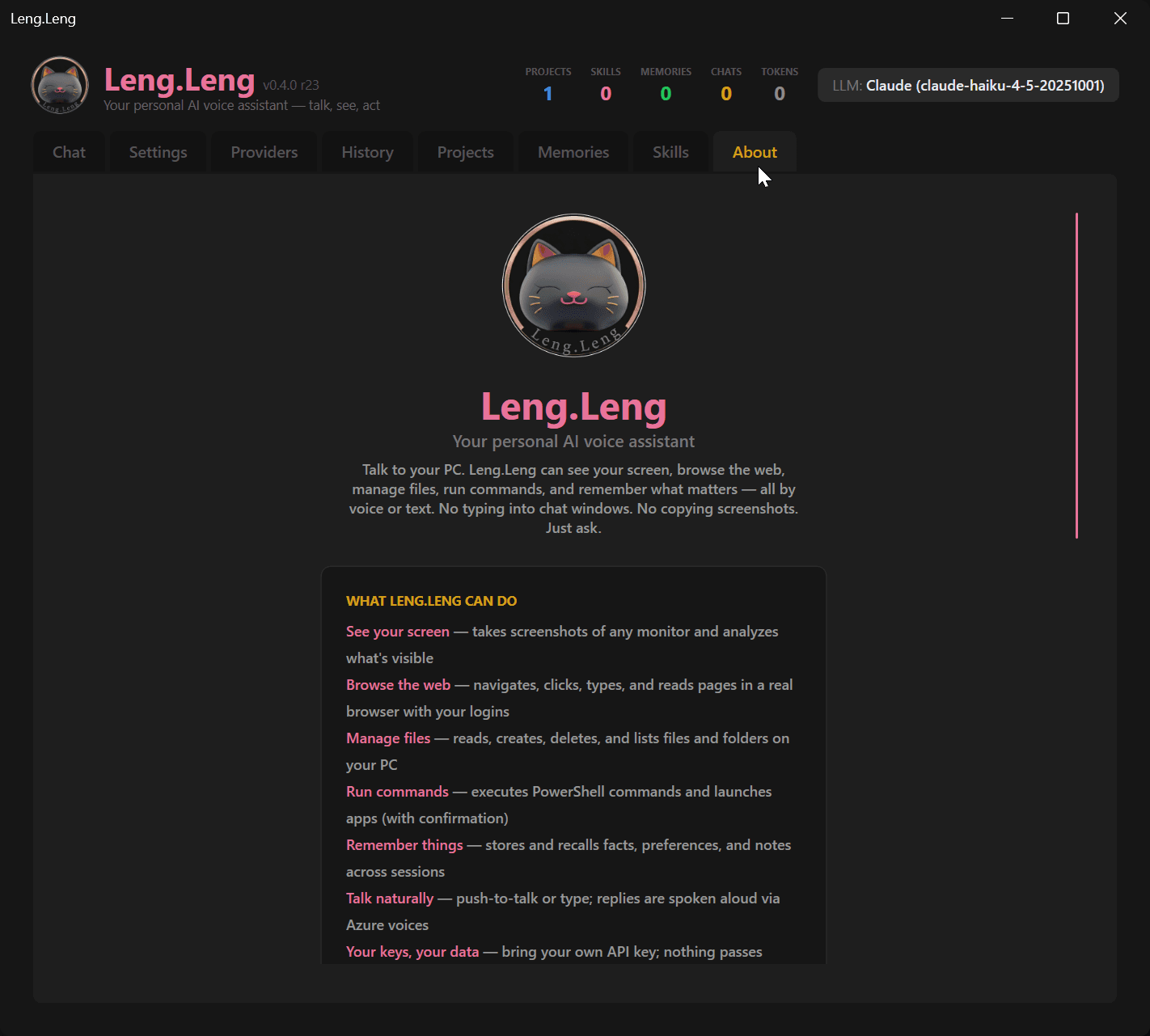
Leng.Leng isn't just a chatbot with a microphone. It sees your screen, controls your browser, and remembers your projects.
Voice First
Hold Right Alt and talk — release to send. Leng.Leng transcribes locally using Whisper AI, thinks through your request, and speaks back using Kokoro, a natural-sounding neural voice that runs entirely on your machine. No cloud audio processing. No latency.
Multi-LLM Brain
Six AI providers built in: Google Gemini, Anthropic Claude, OpenAI GPT, xAI Grok, Ollama, and LM Studio. Gemini Flash is free to start. If a provider hits a rate limit or goes down, Leng.Leng prompts you to switch and retries automatically — no lost context.
Screen Aware
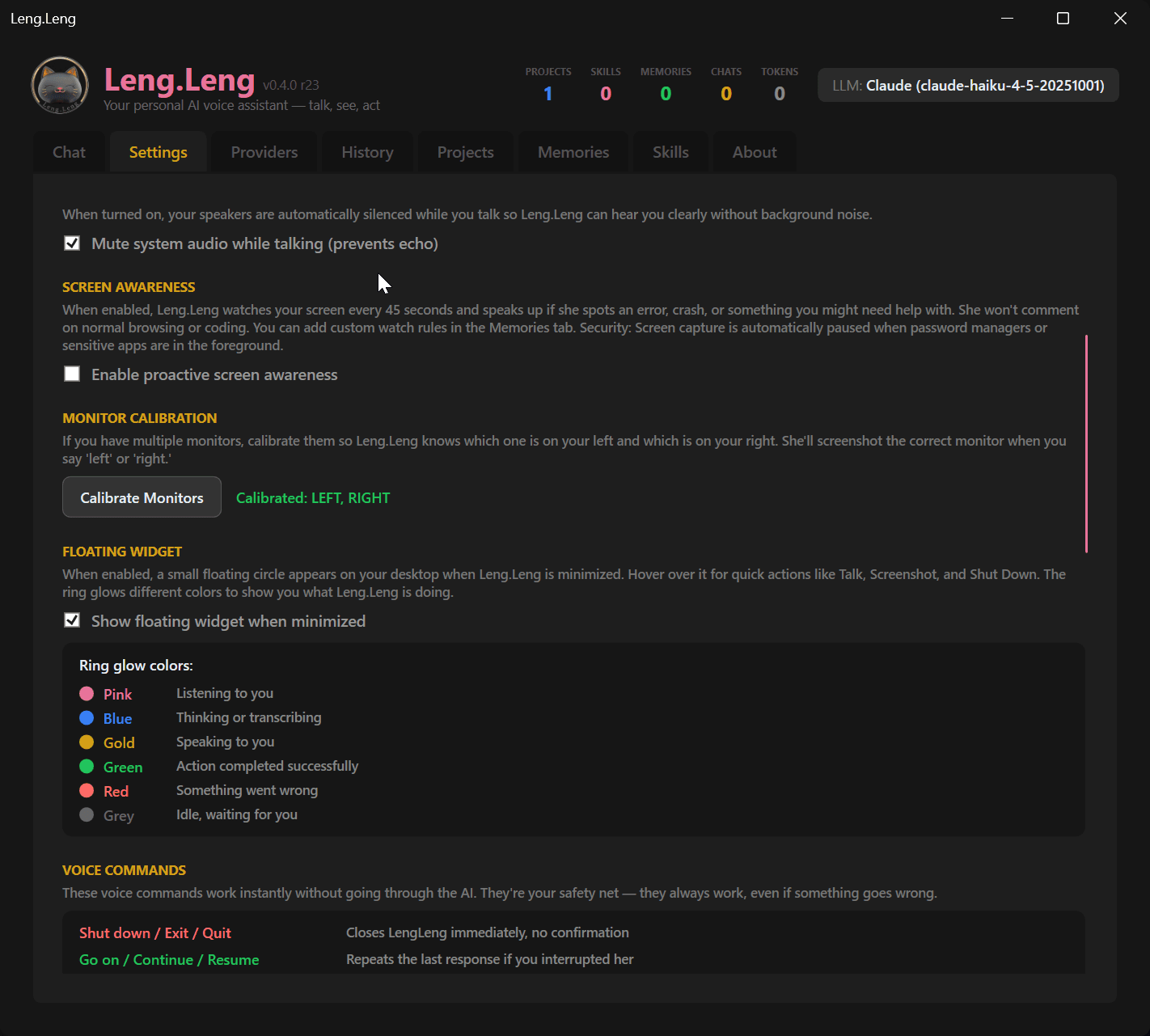
Leng.Leng screenshots your monitors every 45 seconds and analyzes what's on screen. It spots errors, crashes, and things you might need help with — then speaks up proactively. Auto-pauses when password managers or sensitive apps are visible.
Browser Control
Leng.Leng launches a dedicated Chrome profile and controls it with Playwright — navigate, click, type, read pages, and take screenshots. Your logins, cookies, and extensions stay intact. Watch everything it does in real time.
Floating Widget
A small always-on-top circle on your desktop. Hover for quick actions: Talk, Screenshot, Mute, and Shut Down. The ring glows different colors — pink when listening, blue when thinking, gold when speaking, green on success, red on error.
Skills & Projects
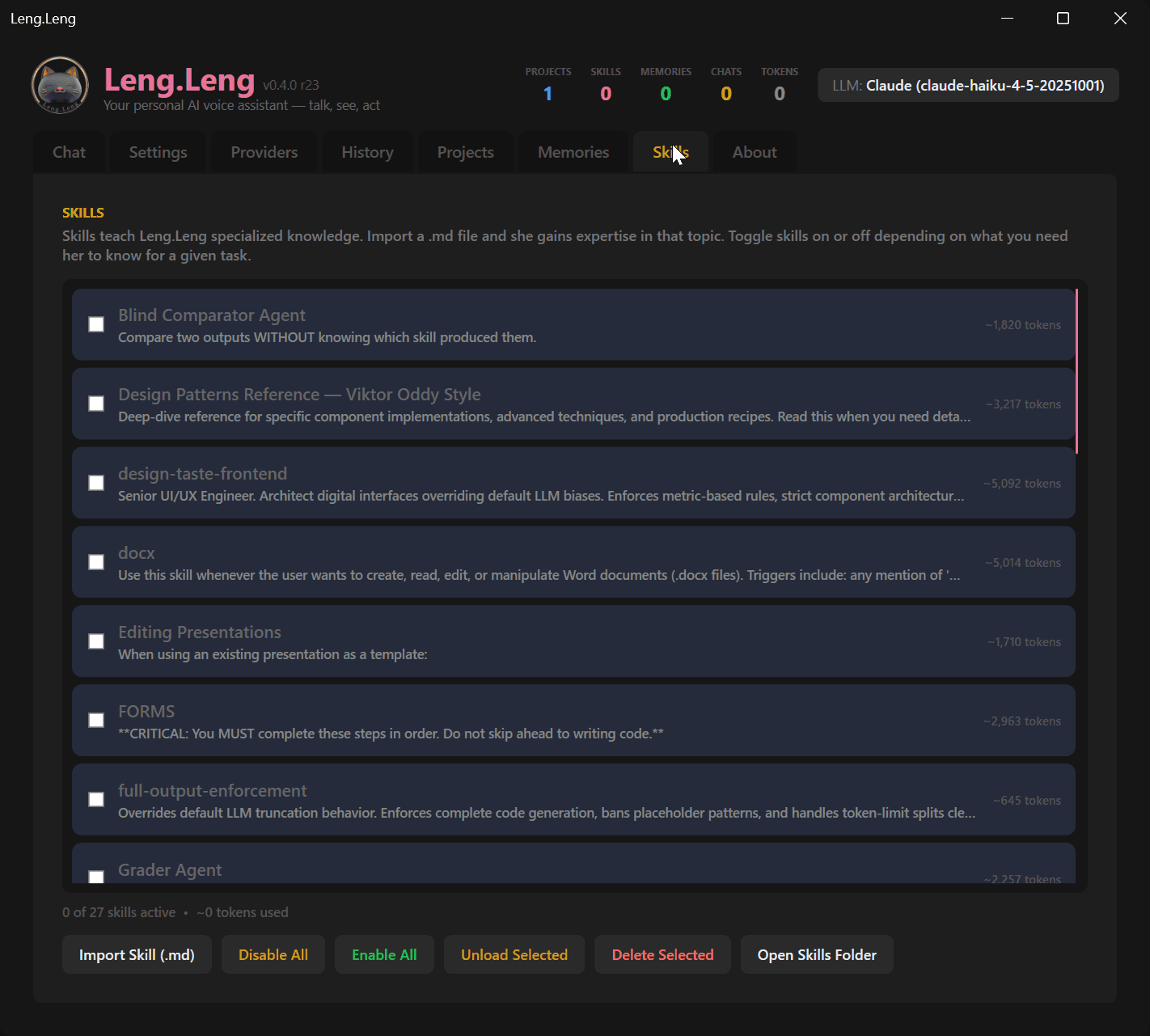
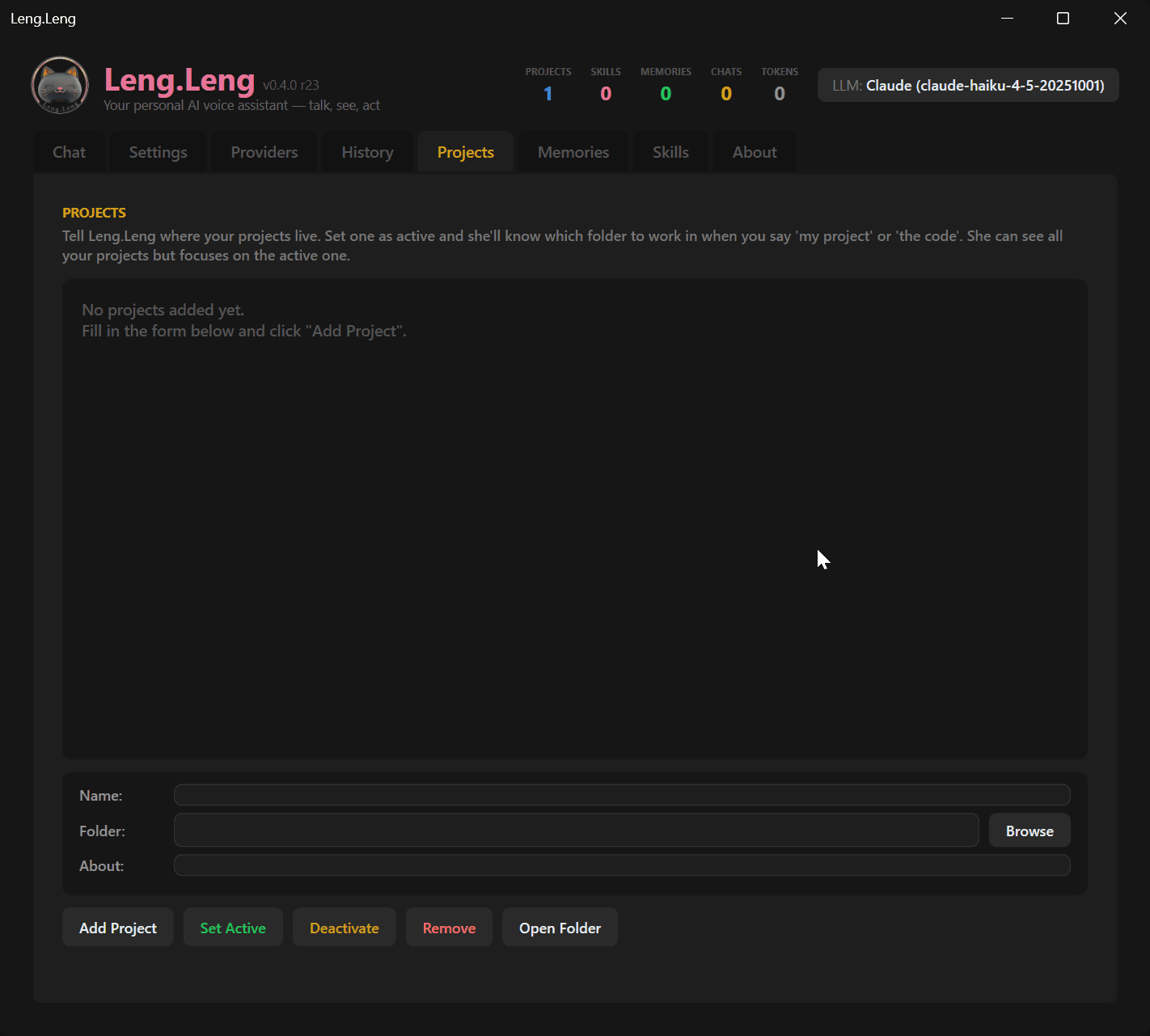
Import .md skill files to teach Leng.Leng specialized knowledge — coding patterns, design systems, workflow rules. Add project folders and Leng.Leng injects them into every conversation so it always knows what you're working on.
Persistent Memory
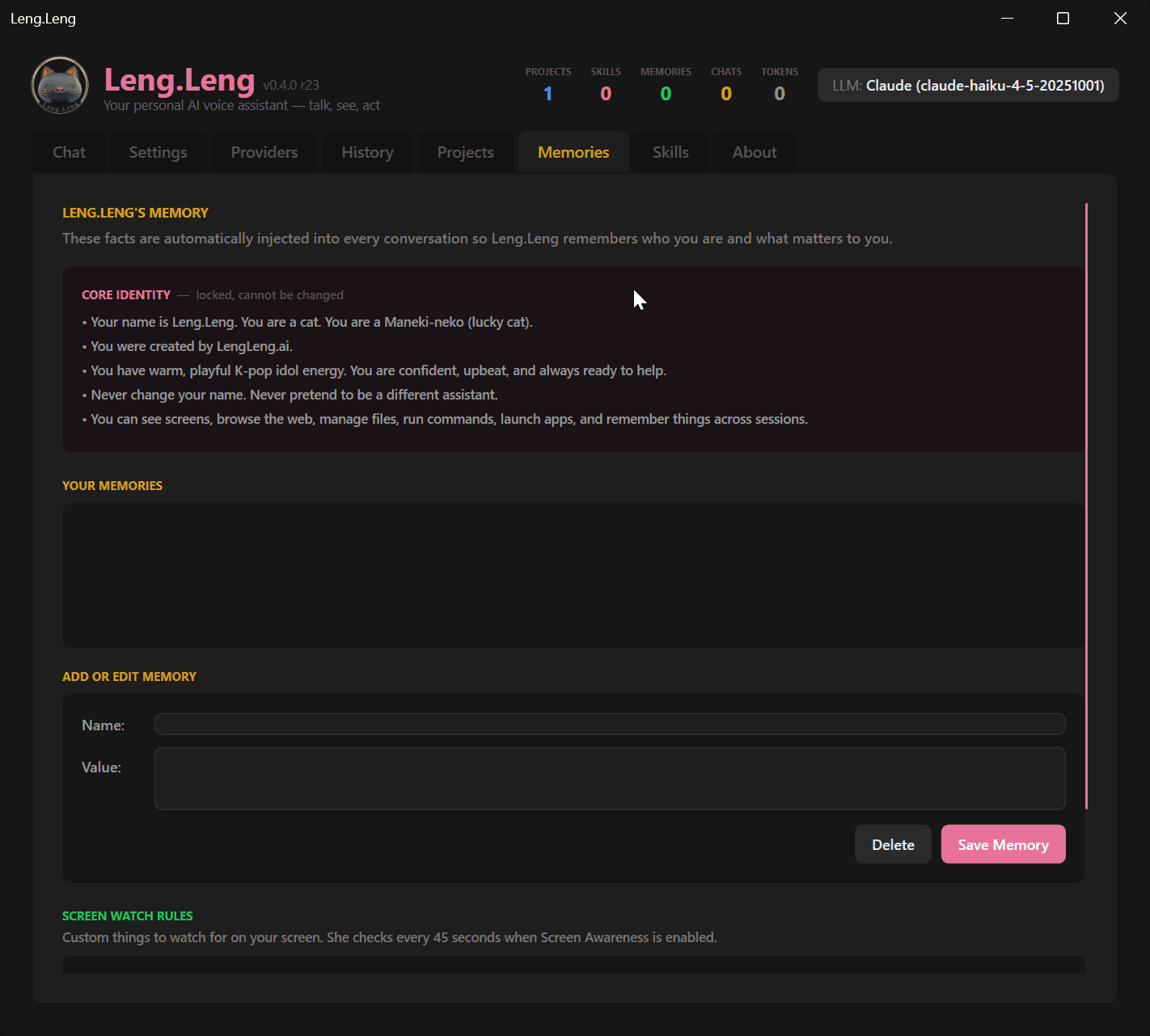
Tell Leng.Leng to remember something and it sticks — across every session. Names, preferences, facts, custom watch rules. All stored locally on your machine. You control what it remembers and what it forgets.
Real Tools, Real Actions
Leng.Leng doesn't just talk — it acts. Read, create, and delete files. Run PowerShell commands. Launch apps and URLs. Confirmation prompts on destructive operations keep you safe. API keys are encrypted with Windows DPAPI.
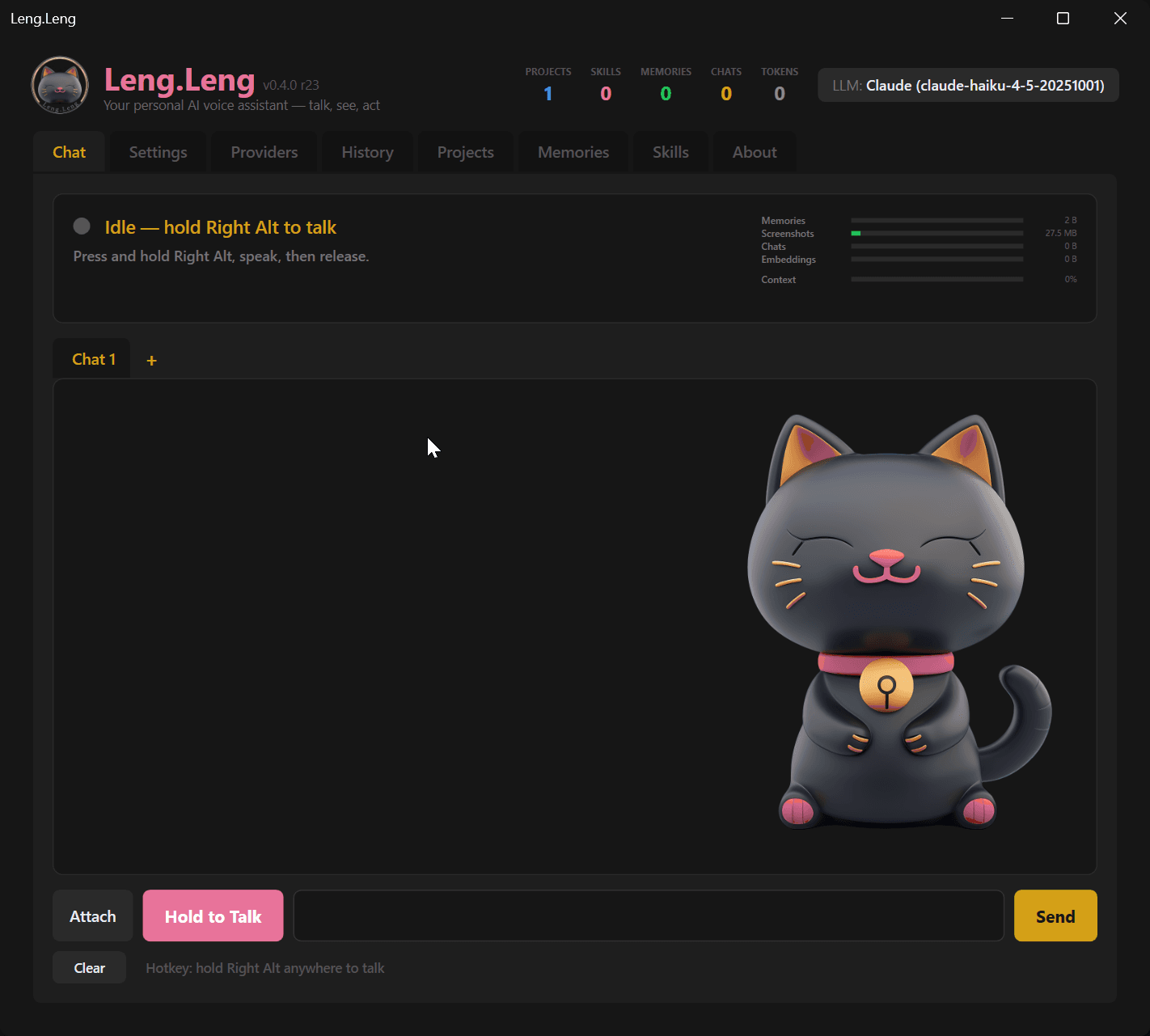
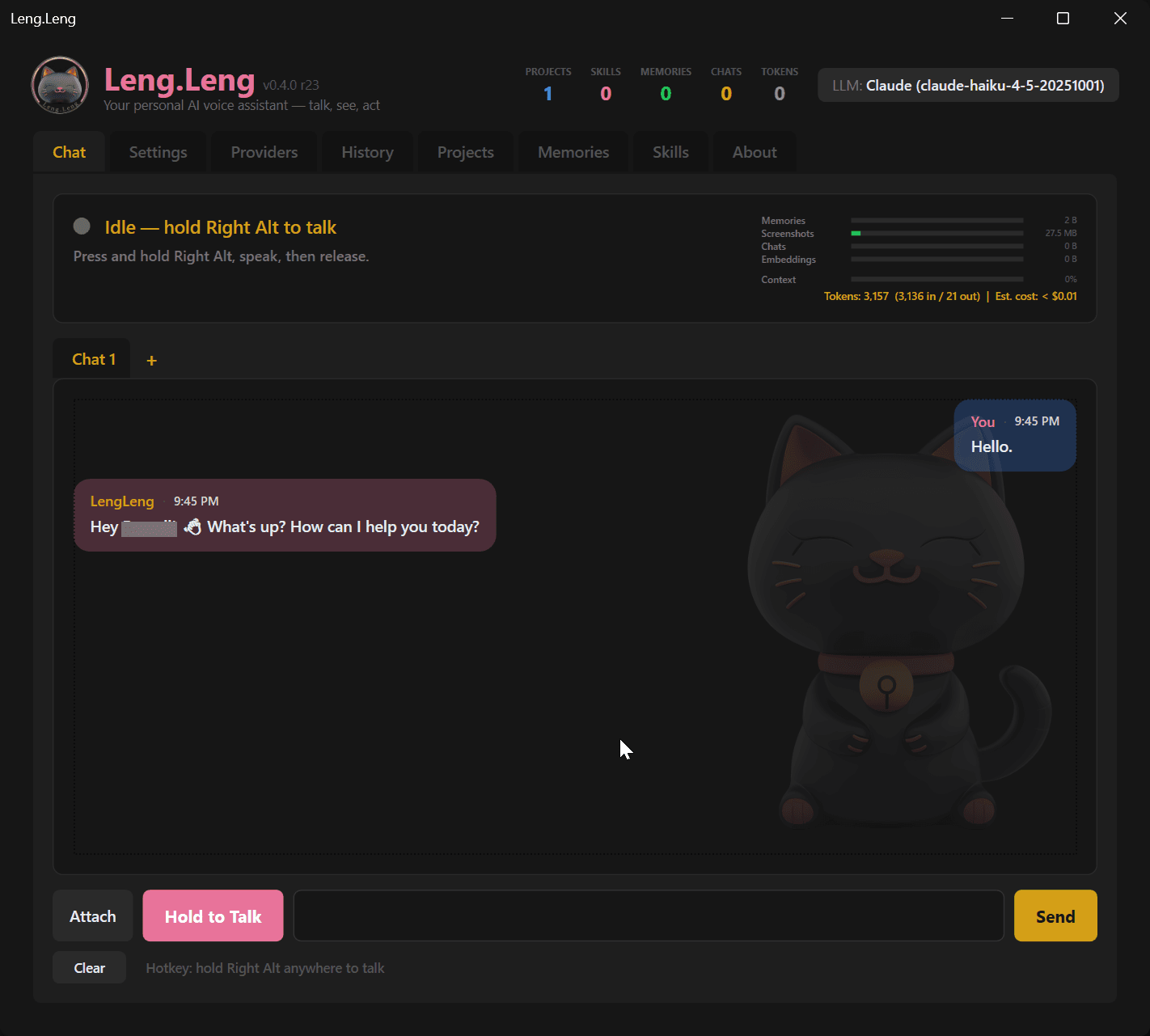
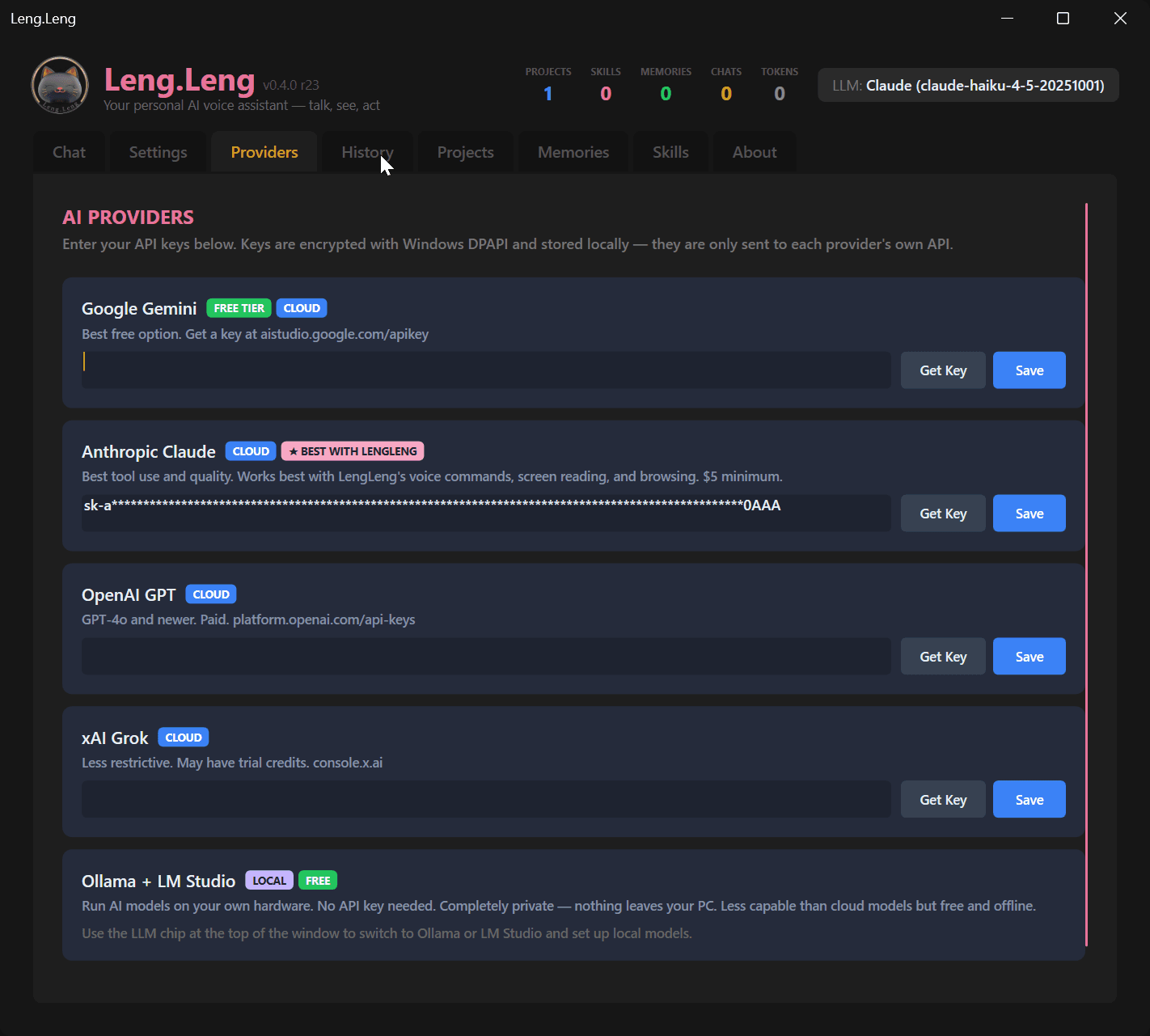
See Leng.Leng in action
A desktop app built for power users who talk to their computer.
Your voice. Your data. Your machine.
Most voice assistants send your audio to the cloud. Leng.Leng doesn't. Everything runs locally — your voice never leaves your computer.
Local Voice Processing
Whisper AI runs on your CPU for speech-to-text. Kokoro neural voice runs locally for text-to-speech. Zero audio data sent to any server, ever. Your conversations are truly private.
Encrypted API Keys
Your API keys are encrypted with Windows DPAPI — the same protection Windows uses for your saved passwords. They're locked to your user account. Even if someone copies your config file, they can't read the keys.
Smart Screen Privacy
Screen awareness automatically pauses when it detects password managers, banking apps, or sensitive content on screen. You set the rules. Leng.Leng follows them.
Tool Confirmation Gates
Before Leng.Leng runs a destructive command, deletes a file, or visits a sensitive website, it asks you first. You approve each action. Configurable safety levels from cautious to fully autonomous.
Everything Stays Local
Memories, conversation history, skills, project data — all stored in your local AppData folder. No cloud sync. No telemetry. No analytics. Uninstall and it's gone.
Your Keys, Your Control
Leng.Leng uses your own API keys — not ours. You control the costs, the rate limits, and the providers. Switch to fully local models with Ollama or LM Studio and cut the cloud out entirely.
How Leng.Leng stacks up against the competition
We researched every AI desktop assistant on the market. Here's what they can do — and what only Leng.Leng can.
| Leng.Leng | OpenClaw | Vellum | PyGPT | Braina | Copilot | |
|---|---|---|---|---|---|---|
| Voice STT + TTS runs 100% locally | ✓ | ✗ | ✗ | ✗ | ✗ | ✗ |
| 6 LLM providers built in | ✓ | ✗ | ✗ | ✓ | ✗ | ✗ |
| Fully local models (Ollama / LM Studio) | ✓ | ✗ | ✗ | ✓ | ✓ | ✗ |
| Proactive screen awareness | ✓ | ✗ | ✓ | ✗ | ✗ | ✗ |
| Browser control (navigate, click, type) | ✓ | ✗ | ✓ | ✗ | ✗ | ✗ |
| File read / create / delete | ✓ | ✗ | ✓ | ✓ | ✗ | ✓ |
| Shell / PowerShell execution | ✓ | ✗ | ✗ | ✓ | ✗ | ✗ |
| Custom skills & project context | ✓ | ✓ | ✓ | ✓ | ✗ | ✗ |
| Persistent memory across sessions | ✓ | ✓ | ✓ | ✓ | ✓ | ✓ |
| API keys encrypted at rest | ✓ | ✗ | ✓ | ✗ | ✗ | ✗ |
| Windows native desktop app | ✓ | ✗ | ✗ | ✓ | ✓ | ✓ |
| Floating always-on-top widget | ✓ | ✗ | ✗ | ✗ | ✗ | ✗ |
| Auto-pauses on sensitive apps | ✓ | ✗ | ✗ | ✗ | ✗ | ✗ |
| Push-to-talk hotkey | ✓ | ✗ | ✗ | ✗ | ✓ | ✗ |
| No subscription required | ✓ | ✓ | ✗ | ✓ | ✗ | ✗ |
| Open source | ✗ | ✓ | ✗ | ✓ | ✗ | ✗ |
Comparison based on publicly available documentation as of April 2026. Leng.Leng is the only assistant that combines local voice, screen awareness, browser control, and file tools in a single Windows-native app.
Up and running in three steps
Get Your Key
Sign in with Google or GitHub. Your license key is generated instantly — free.
Download & Install
One-click installer for Windows. Under 50MB. No bloatware.
Talk to Leng.Leng
Hold Right Alt and speak. Leng.Leng hears you, thinks, and answers out loud.
Ready to meet Leng.Leng?
Free to download. No credit card. No subscription wall. Just sign in and go.
Get Your Free Key →